

WELCOME TO THE LEGACY NETWORK
We keep our processes as simple as possible.
We created a guide from onboarding to FAQs to provide you with all the info a vendor might need.
Get onboarded step by step:
1 Fill out our Vendor Onboarding Form:
Answer questions about your services, area coverage, and provide your W-9 form for identification,
so we can match you with the best opportunities for your trade and area.
2 Sign the Master Services Agreement (MSA):
Seal the deal by signing our MSA to ensure we are aligned on our quality expectations.
You can resign at any time. No membership fees - only our schedule. You only take on the work you can handle.
3 Download our Sample COI and Insurance Requirements
Submit this to your insurance broker and send it to vendor-relations@legacy-project-solutions.com.
Our system will automatically send reminders if a policy is about to expire.
4 Confirmation
You will receive a message from our Vendor Relations Department when your compliance status is confirmed! 🥳
How to work with Legacy
Work Order Request: One of our associate reaches out to you with a work order request - usually via phone - and will send you all the information we have on hand for a quick estimate.
1
Availability check: You can accept (or decline) the work order. No availability - no problem. We will call you again when the next opportunity comes up.
2
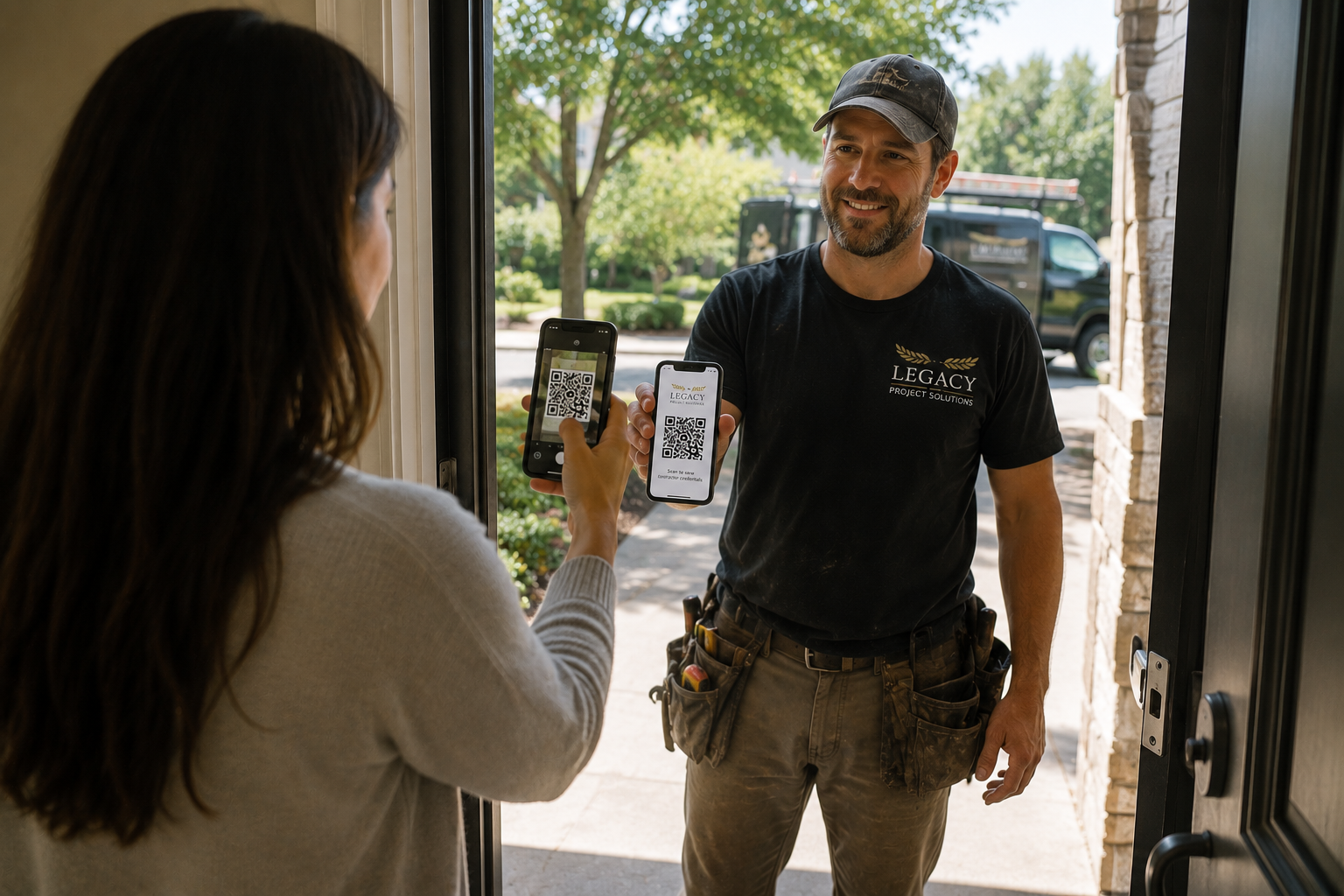
Arrival on site: Show your Legacy ID to the occupant and check in with the Legacy project coordinator to confirm if the estimate covers the predicted costs or if we need to adjust the proposal.
3
Work start: If you have all of the necessary materials and tools on hand, you secure your work area and get started.
4
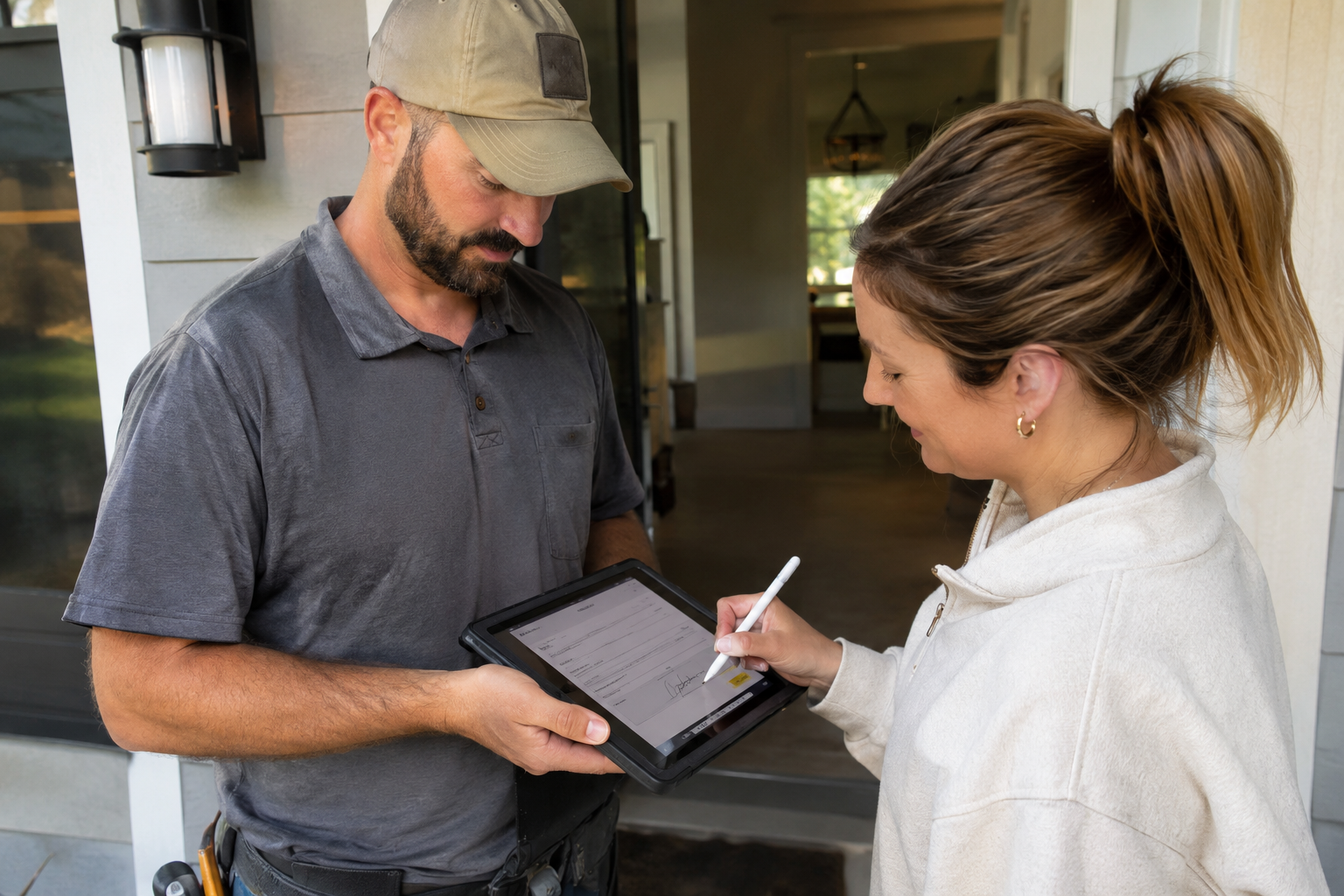
Sign-Off: If you happen to have a smartphone or iPad on hand, let the occupant sign digitally through our portal, or let them sign off on today’s work on paper and upload it later.
5
Invoice submission: Upload your final invoice to your vendor portal and we initiate the payment right away. You can see all of your submitted invoices in your portal to keep track of your payments.
6
Simple and easy, all in one place!
Legacy ID
Extra safety for our clients and more trust for your business.
We work with residential and commercial clients. For an extra layer of safety, we create an individual QR code for each of our service members - regardless if these are employees or subcontractors.
Please show your QR code to every client before entering their premises.
The client will be able to see the following on their end*:
Active Vendor Status
If you are licensed in your trade (if applicable)
If you are background checked
Your insurance policy active status
Quality assurance
This serves to protect our clients from any attempted entry from unauthorized personnel that is not associated with Legacy.
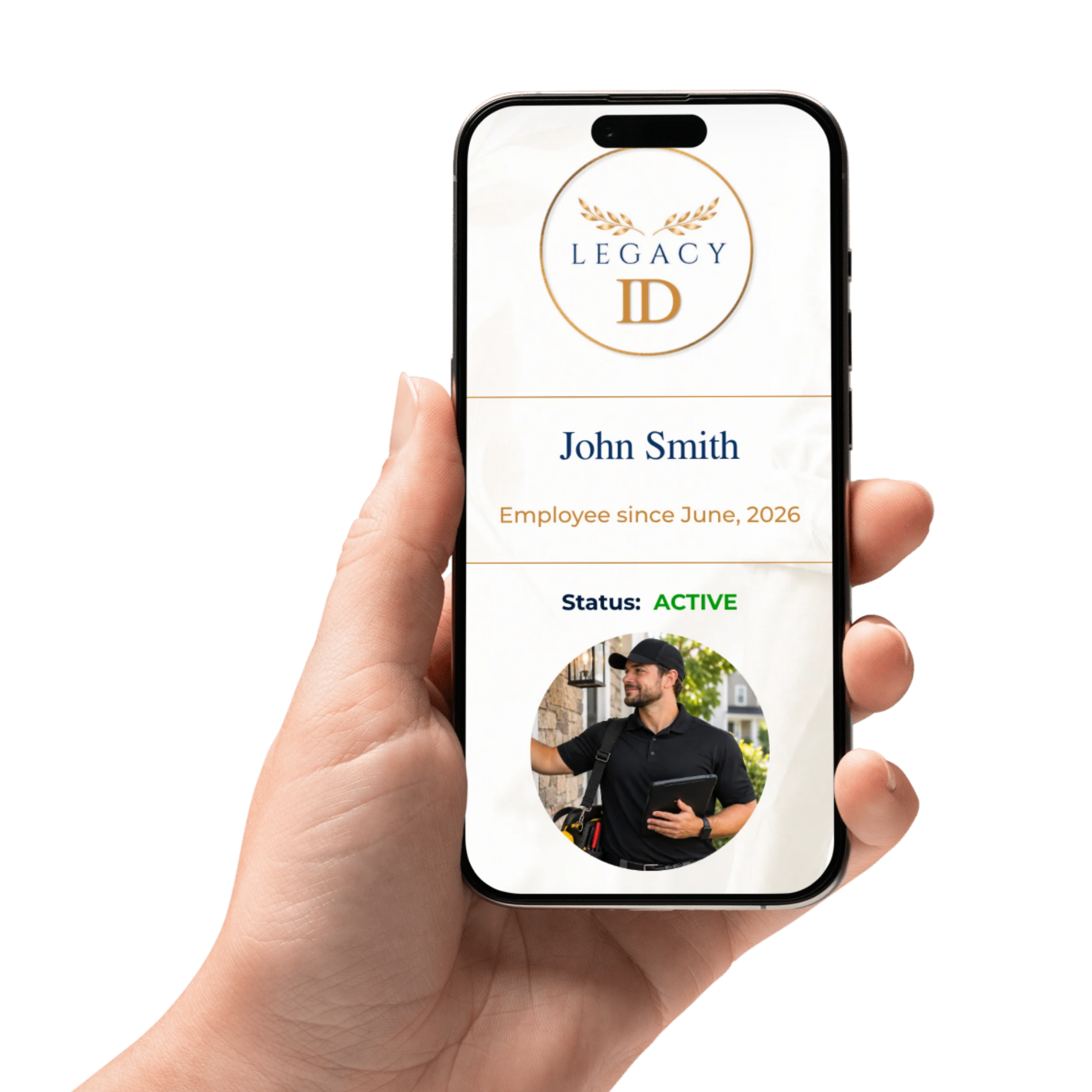
*We do not share any license number, background check outcomes, TIN or policy information with clients and protect your privacy and personal information.

Frequently Asked Questions
-
Your W-9 is like a business card. First and foremost we need this as a baseline to determine your 1099-NEC eligibility. This is a tax form you will need to file your own taxes - so it will be important for you too. If digital payment providers don’t work properly, we will use your address on your W-9 to send you a check via mail.
Our associates are obligated to handle your W-9 with maximum security and confidentiality.
-
These can vary from a quick one hour repair to multi-day or week projects, depending on the scope.
-
Generally - no. Would it help us to determine if we should prefer you as our main contractor? Absolutely! Establishing rates helps us to create estimates for our clients, speeds up quote delivery and you receive more frequent work if your rates are competitive. We want reasonable pricing and the best quality for our clients and want you to feel comfortable with your pricing as well. You can discuss your work order frequency and rates at any time with our Vendor Relations department at vendor-relations@legacy-project-solutions.com or via phone +1 (856) 282 5856
-
Having Legacy listed as ‘Certificate Holder’ only proofs that we asked if you have insurance coverage. What it doesn’t do is actually covering us if something happens on the job site while you perform your services for us. This is why we request to be added as additionally insured, so that your insurance actually covers potential damages or injuries.
-
A Waiver of Subrogation means that your insurance company agrees not to seek reimbursement from Legacy for claims it pays related to your work. This helps protect both parties from unexpected financial claims and legal costs. We require this waiver as part of our vendor insurance requirements to reduce liability risks and ensure proper protection for everyone involved.
-
A Primary and Non-Contributory Endorsement means that your insurance policy must respond first if a claim arises from your work, without requiring Legacy Project Solutions' insurance to contribute or share the costs. This helps protect Legacy's insurance coverage and ensures that each party's insurance responsibilities are clearly defined.
-
These insurance requirements are common in the construction industry and may already be included in your existing insurance policy, often through blanket endorsements. If they are not included, your insurance provider may charge a small additional premium to add them (often just a couple dollars).
We recommend asking your insurance broker when you submit the sample COI.
-
We usually send payment via ACH transfer. This is the cleanest and reliably trackable way to submit payments. You will automatically receive a receipt when a payment has been submitted. Bank transfers can take up to two (2) business days to appear visible in your account.
If you can’t see anything in your account after four (4) business days, please reach out to our Accounts Payable department at ap@legacy-project-solutions.com and attach your corresponding invoice so we can ensure there is no technical issue that caused the delay.
-
Check payments are usually cut on Wednesdays during the week the payment is due and sent via mail. You will receive a receipt via email when the check has been sent. Delivery can take up to five (5) business days via mail.
-
We all know cashflow is important to keep a business running. We are not an exception.
Our commercial clients usually dictate the net terms and our influence on these is low. Industry standard for commercial repairs and construction can go up to 75 days and higher. We try to accommodate for our vendors by offering 30 day net terms but cannot fund entire operations ourselves.
The upside: The more frequent you receive work orders, the more frequent you receive payments. Once the initial waiting period is over, you receive frequent payments for your ongoing operations.
-
If you need to discuss any contractual matters, feel free to reach out to our Vendor Relations team. They will be happy to assist you: vendor-relations@legacy-project-solutions.com
-
If you have any concerns or would like to share what we could do better, please reach out to our vendor relations team. They are determined to foster prosperous business-relationships that are mutually profitable and fair for all parties. We would love to work on a solution with you.
If you are absolutely certain that you want to break ties - simply let our associates know that you want to be removed from our system and we will deactivate your profile immediately and close out any outstanding work orders and invoices according to your contract.
You have any additional questions that we did not cover?
Feel free to reach out to our Vendor Relations department vendor-relations@legacy-project-solutions.com